Launching soon

Automatically Align Your Build with Your Design

Automatically Align Your Build with Your Design

Automatically Align Your Build with Your Design

Pariform identifies where your build has drifted from your Figma design and generates the production-ready code fixes needed to close the gap. Fix UI issues in seconds, not days.


Join 200+ product teams

Benefits

Ship Pixel-Perfect UI Without the Handoff Friction

Sync your build to your Figma design with total precision. Pariform converts design details into production-ready CSS and React, eliminating manual rework.
Benefits

Ship Pixel-Perfect UI Without the Handoff Friction

Sync your build to your Figma design with total precision. Pariform converts design details into production-ready CSS and React, eliminating manual rework.

Benefits

Ship Pixel-Perfect UI Without the Handoff Friction

Sync your build to your Figma design with total precision. Pariform converts design details into production-ready CSS and React, eliminating manual rework.

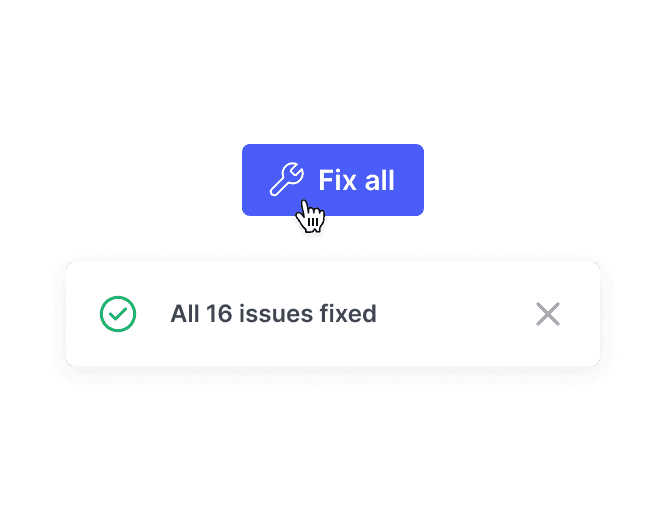
A "Fix all" button being clicked, resulting in a success notification that reads "All 16 issues fixed," demonstrating automated UI resolution.

Fix UI Issues in Seconds

Fix UI Issues in Seconds

Detect and resolve design mismatches instantly. Stop waiting on developer bandwidth for every minor UI update.
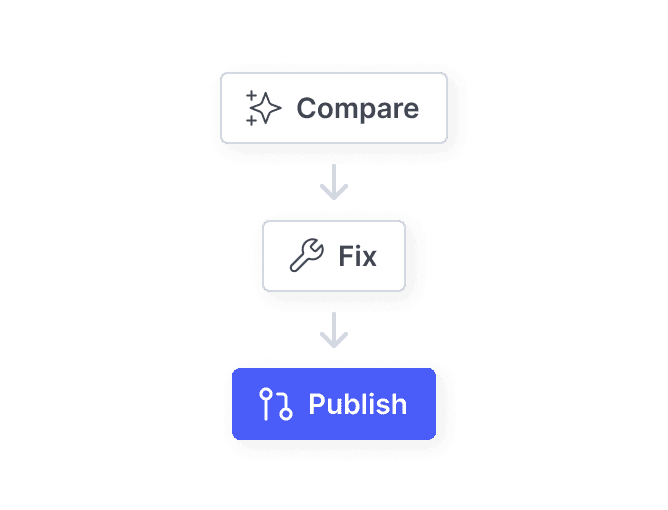
A vertical flow chart showing the Pariform automated process: Compare design to code, Fix identified issues, and Publish updates.
A "Fix all" button being clicked, resulting in a success notification that reads "All 16 issues fixed," demonstrating automated UI resolution.
A vertical flow chart showing the Pariform automated process: Compare design to code, Fix identified issues, and Publish updates.

Automate Your Visual QA

Automate Your Visual QA
Fix UI Issues in Seconds

Scale UI without draining dev bandwidth. Prioritize high-impact work over tedious CSS tweaks.

Detect and resolve design mismatches instantly. Stop waiting on developer bandwidth for every minor UI update.

A vertical flow chart showing the Pariform automated process: Compare design to code, Fix identified issues, and Publish updates.
Automate Your Visual QA

Scale UI without draining dev bandwidth. Prioritize high-impact work over tedious CSS tweaks.
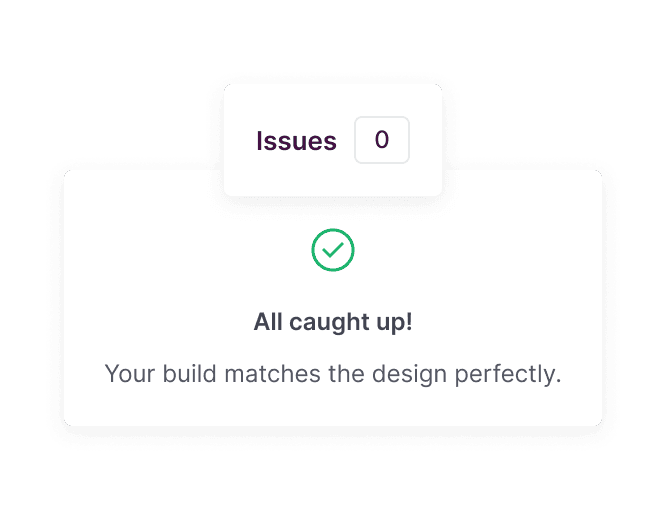
A success state interface showing zero remaining issues and a message confirming the live build matches the Figma design perfectly.

Guarantee Design Fidelity

Guarantee Design Fidelity

Match your build to your Figma designs with total precision. Stop settling for "close enough."

Features

Everything You Need for Seamless UI Implementation

Connect your Figma files directly to your codebase. Detect visual mismatches and generate production-ready fixes in one unified workflow.

Features

Everything You Need for Seamless UI Implementation

Connect your Figma files directly to your codebase. Detect visual mismatches and generate production-ready fixes in one unified workflow.

Features

Everything You Need for Seamless UI Implementation

Connect your Figma files directly to your codebase. Detect visual mismatches and generate production-ready fixes in one unified workflow.

Automated Visual QA

Automated Visual QA

Identify layout, color, typography, and component mismatches between Figma and your codebase.

Automated Code Resolution

Automated Code Resolution

Generate production-ready CSS and component code to resolve UI mismatches instantly.

Automated Pull Requests

Automated Pull Requests

Receive automated Pull Requests. Review and merge while maintaining total codebase control.

AI-Powered UI Editing

AI-Powered UI Editing

Describe changes in plain English and push production-ready code directly to your repository.

Design System Integration

Design System Integration

AI maps to your design tokens and component architecture for brand-perfect UI consistency.

Batch UI Resolution

Batch UI Resolution

Resolve multiple mismatches instantly and bundle them into one clean Pull Request.

How it Works

The Fastest Path to Pixel-Perfect UI

Detect mismatches, generate production-ready fixes, and merge updates into your codebase in seconds.

How it Works

The Fastest Path to Pixel-Perfect UI

Detect mismatches, generate production-ready fixes, and merge updates into your codebase in seconds.

How it Works

The Fastest Path to Pixel-Perfect UI

Detect mismatches, generate production-ready fixes, and merge updates into your codebase in seconds.

01

Detect Visual Deviations

Detect Visual Deviations

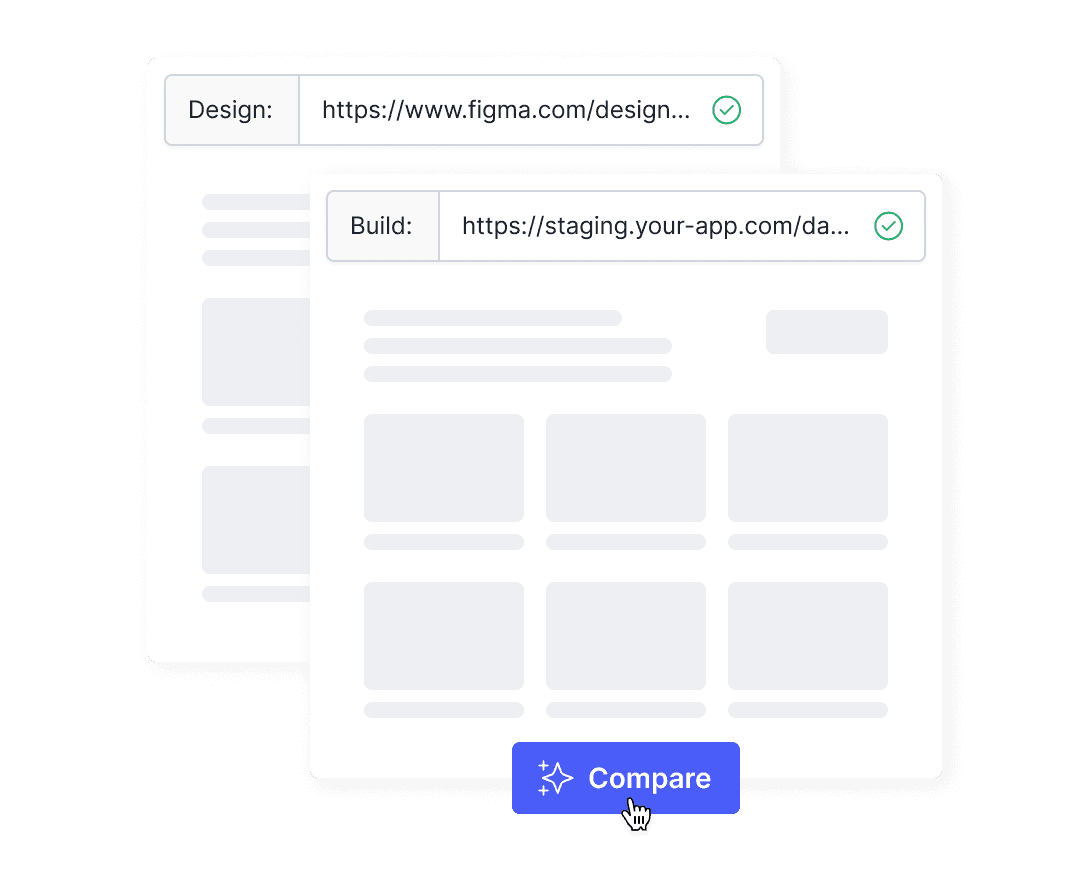
Paste your Figma link and build URL. Pariform automatically detects every mismatch between your original design and code.
Paste your Figma link and build URL. Pariform automatically detects every mismatch between your original design and code.

Interface showing Figma and staging build URLs entered into Pariform, with a cursor clicking the 'Compare' button to start an automated visual scan for design mismatches.

02

Resolve Mismatches

Review detected issues and instantly generate the production-ready code needed to align your build with your design.
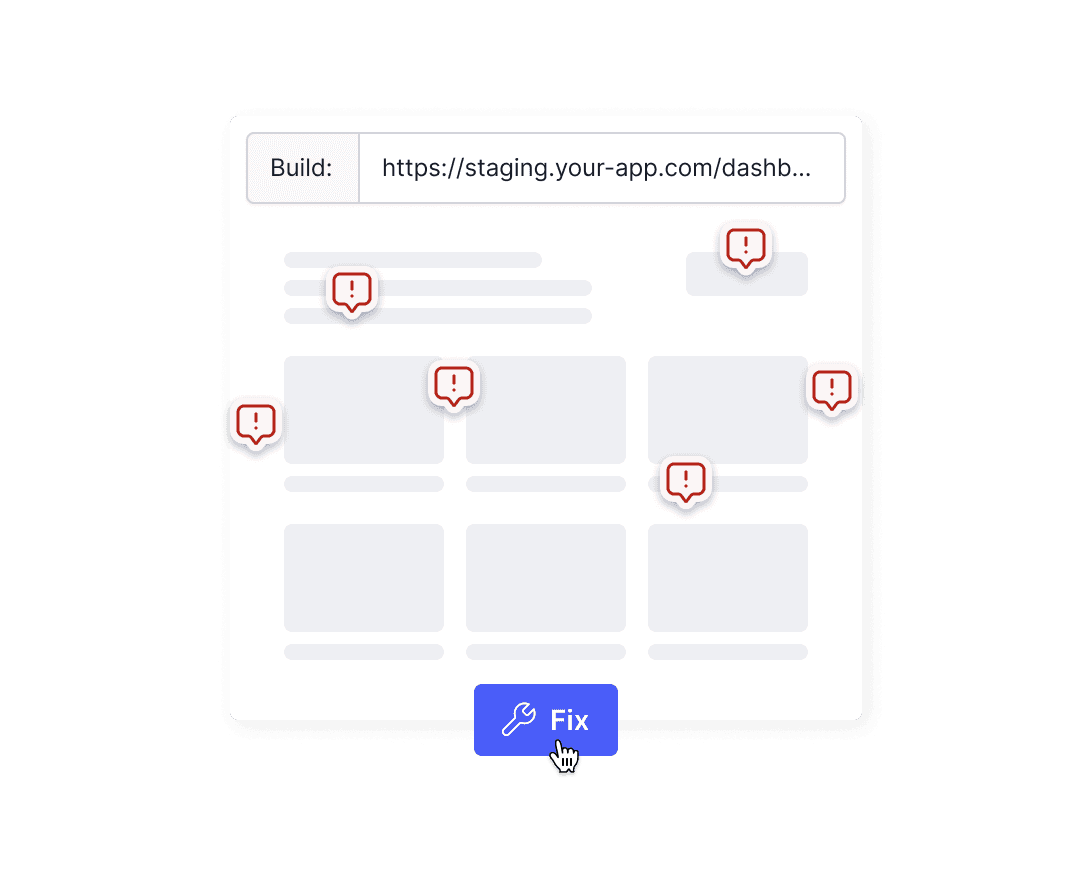
Pariform interface displaying multiple red alert icons over a web layout to indicate design deviations, with a user clicking on the 'Fix' button to instantly generate code fixes.

03

Push to Repository

Click Publish to push fixes as a ready-to-merge Pull Request. Once your team reviews and merges, the build updates instantly.
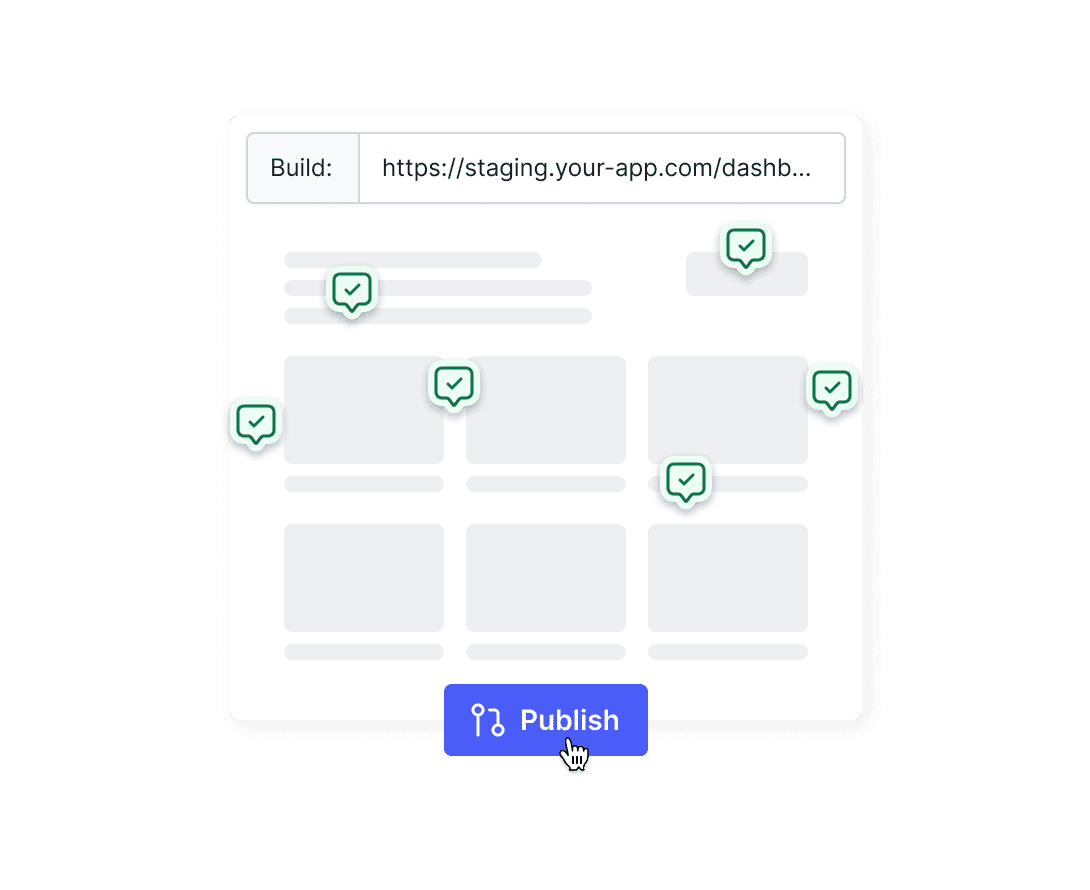
Pariform interface showing all visual mismatches resolved with green checkmark icons and a cursor clicking the 'Publish' button to create a Git Pull Request.

02

Resolve Mismatches

Review detected issues and instantly generate the production-ready code needed to align your build with your design.

Pariform interface displaying multiple red alert icons over a web layout to indicate design deviations, with a user clicking on the 'Fix' button to instantly generate code fixes.

03

Push to Repository

Click Publish to push fixes as a ready-to-merge Pull Request. Once your team reviews and merges, the build updates instantly.

Pariform interface showing all visual mismatches resolved with green checkmark icons and a cursor clicking the 'Publish' button to create a Git Pull Request.
Pariform interface displaying multiple red alert icons over a web layout to indicate design deviations, with a user clicking on the 'Fix' button to instantly generate code fixes.

02

Resolve Mismatches

Review detected issues and instantly generate the production-ready code needed to align your build with your design.

03

Push to Repository

Click Publish to push fixes as a ready-to-merge Pull Request. Once your team reviews and merges, the build updates instantly.

Pariform interface showing all visual mismatches resolved with green checkmark icons and a cursor clicking the 'Publish' button to create a Git Pull Request.

FAQs

Your Questions, Answered

Everything you need to know.

FAQs

Your Questions, Answered

Everything you need to know.

FAQs

Your Questions, Answered

Everything you need to know.

What exactly does Pariform do?
Does this change my live site directly?
How does the AI know my specific coding style?
Do I need to be a developer to use this?
Is it safe to provide access to my codebase?
How is this different from other visual QA tools?
What exactly does Pariform do?
Does this change my live site directly?
How does the AI know my specific coding style?
Do I need to be a developer to use this?
Is it safe to provide access to my codebase?
How is this different from other visual QA tools?
What exactly does Pariform do?
Does this change my live site directly?
How does the AI know my specific coding style?
Do I need to be a developer to use this?
Is it safe to provide access to my codebase?
How is this different from other visual QA tools?
Keep your product in perfect form.

Join 200+ product teams

© 2025 Pariform. All rights reserved.

Keep your product in perfect form.

Join 200+ product teams

© 2025 Pariform. All rights reserved.

Keep your product in perfect form.

Join 200+ product teams

© 2025 Pariform. All rights reserved.